Send a link to yourself and never find it again?
Short answer: instead of sending the link to your own chat, tap Share and pick LinkVault. The link then sits in your library on the device, even without an account, and one word in the search finds it again.

On the train, and the link is for later
Picture it: you are on the train or the bus, headphones on, and somewhere between two stops an article or a tool shows up that you want to keep.
You send the link to yourself. Into the chat. Or you take a photo of a poster at the stop and put the phone away.
Later it is gone
You know how it goes: you never open that chat again. Bare links sit between the other messages. No title, no summary, no category. The poster photo sits with the holiday pictures.
I used to do the same. A bare link was not a solution for me.
How I keep it now
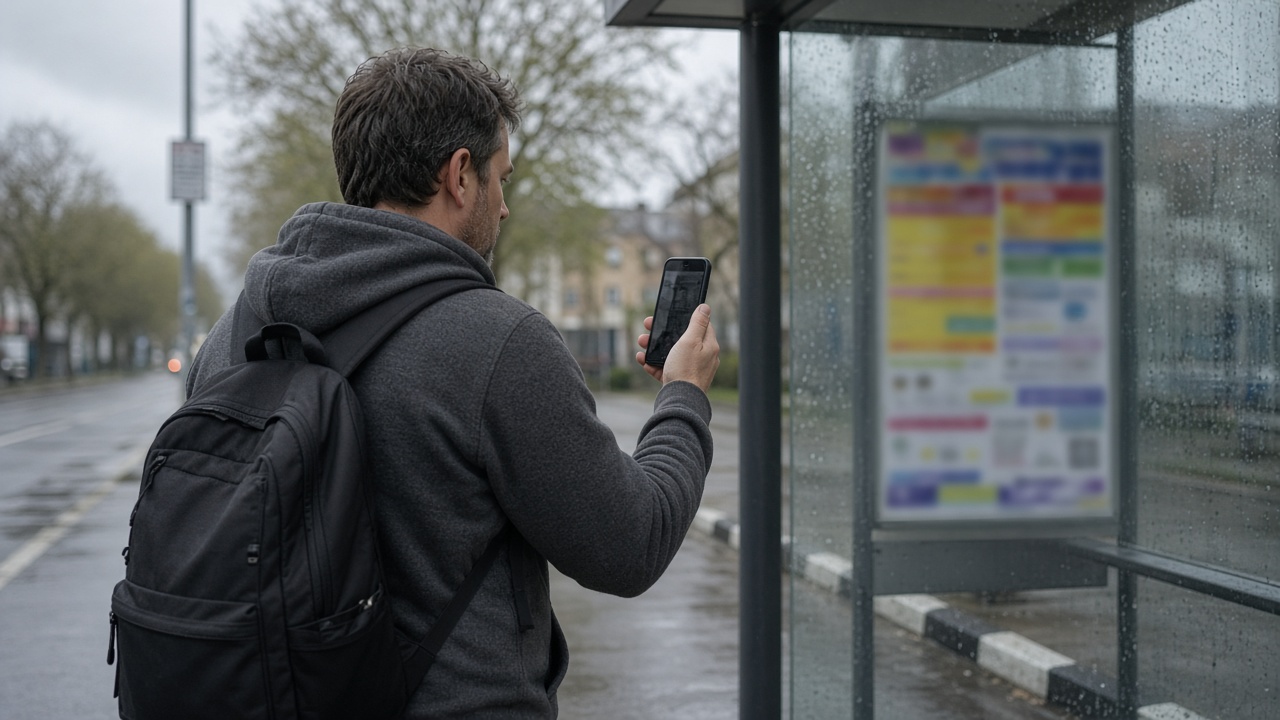
Take the poster. You photograph it, tap Share and pick LinkVault. The file lands in the library on the device right away. New files are private by default. New links are not.
That means the entry is there, even offline. The enrichment does not happen inside the share sheet, and not in one second.
If you allow AI processing, the app reads the text with OCR. A printed address or a QR code can become a link in the entry that you can tap. Title, summary, category and tags are added. The summary is a short text on the detail page.
A long explainer video takes the same path. Share, LinkVault, saved. The AI writes the summary afterwards, if you allow it. You no longer need to send yourself the link.
The steps, if you want to read them: Photograph a poster and Share to LinkVault.
On the other device

On the phone the entry is already in the library. On the laptop you see it once sync has run. For that you need an account. Without an account the library stays on the device, backed up with the device backup.
Then you type one word from the poster into the search. The entry is there, with the text and the link the app pulled from the photo.
Limits
Slanted light or tiny print: OCR can come back empty. Then you type the text yourself.
The Android app needs Android 12 or newer. The native Windows app is in the Microsoft Store. On Linux the same library runs as a progressive web app.
Install: linkvault.pve.ch/en/apps
Tell me whether this scene is true for you, and what still gets in the way when you share.